
Best VPN for Android in 2026: Fast and Secure Options
Your Android phone connects to more networks in a single week than you realize - home Wi-Fi, office networks, coffee shop hotspots, airport terminals, hotel lobbies. Each connection is a potential exposure point where your browsing activity, login credentials, and personal data can be intercepted.
A VPN encrypts that traffic before it leaves your device, making it unreadable to anyone trying to snoop. This guide covers the best Android VPN options for 2026, how to set them up, and what security features actually matter for protecting your phone.
Why you need a VPN on your Android device
A VPN encrypts your internet traffic and masks your real IP address, which means your online activity stays private and your connection remains secure.
But why does any of this matter for your phone specifically? Your Android device connects to dozens of networks throughout the week—home Wi-Fi, office networks, coffee shop hotspots, airport terminals. Each connection is a potential exposure point., yet 23.5% of users forgo basic protections like VPNs on public Wi-Fi.
- Public Wi-Fi protection: Open networks at cafés and airports let others on the same network intercept your data. A VPN encrypts everything before it leaves your phone.
- Privacy from tracking: Your internet service provider can see every site you visit. With a VPN, that traffic becomes unreadable.
- Access geo-restricted content: Streaming libraries, websites, and apps vary by country. Connecting through a server in another location unlocks content that's otherwise unavailable.
- Regional pricing differences: Flight prices, hotel rates, and game purchases sometimes cost less depending on where you're browsing from.
Best Android VPN apps
The right VPN depends on what you're prioritizing - whether that's security, streaming, budget, or customization. Here's how the top options compare:
| VPN | Best For | Key Strength |
|---|---|---|
| Octohide VPN | Security-focused mobile users | Google-certified security review, no logs, no registration, unlimited bandwidth |
| Surfshark | Budget-conscious streamers | Unlimited devices, affordable |
| ProtonVPN | Free option with no limits | No data caps, open source |
| NordVPN | Overall performance | Large server network, fast speeds |
| Private Internet Access | Flexibility and customization | Highly configurable settings |
Octohide VPN
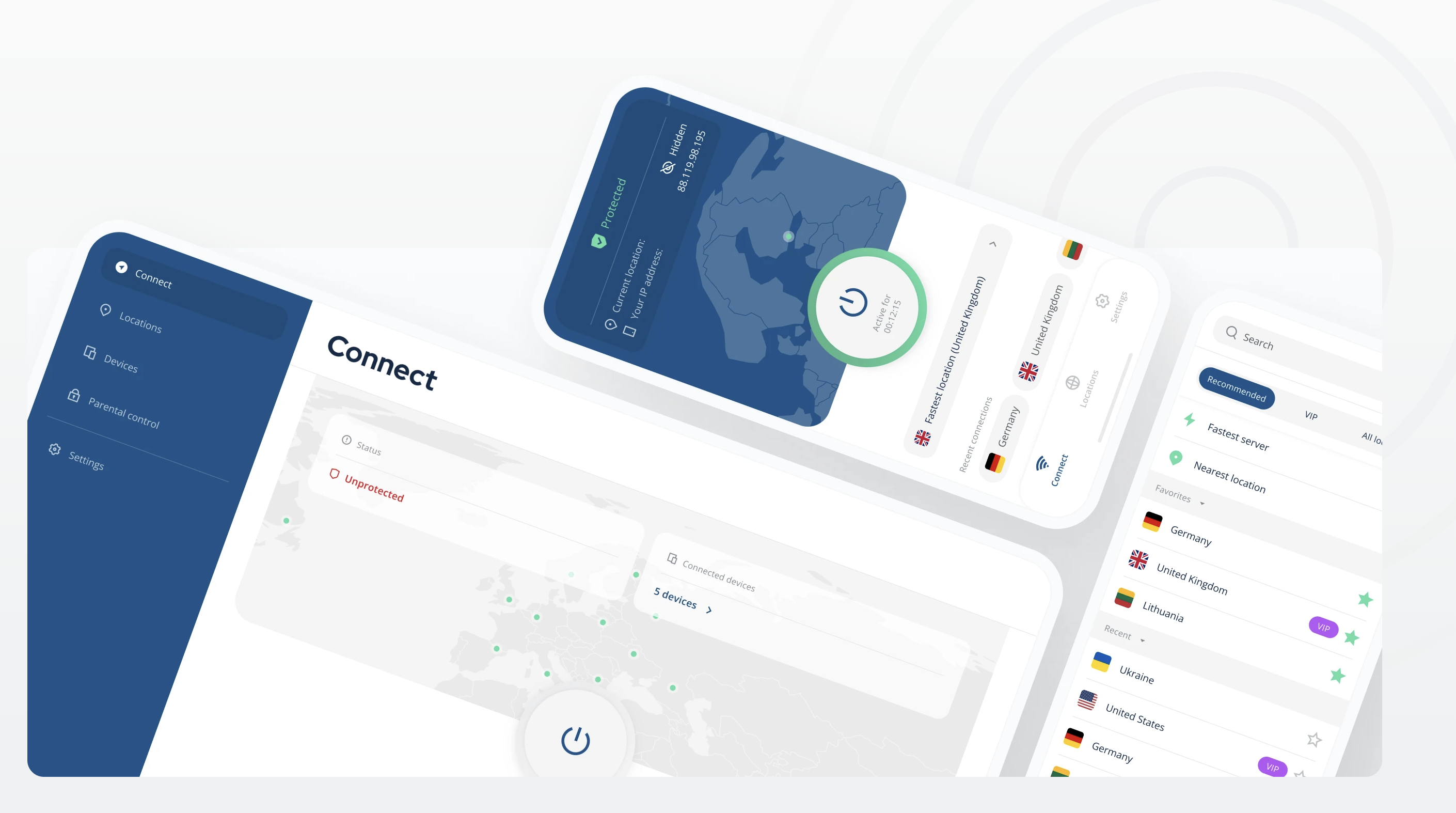
Octohide VPN connects you to over 1,000 servers across 60+ locations with a setup process that takes just a few taps. The app has passed a Google-certified independent mobile security review, which means a third party has verified its security claims - not just the company itself.
Beyond encryption, Octohide includes a built-in adblocker and P2P servers at no extra cost. The company operates under Lithuania's privacy laws and maintains a strict no-logs policy, so your browsing history isn't stored anywhere.
Surfshark
Surfshark works well for households or anyone with multiple devices. One subscription covers unlimited simultaneous connections, which is rare at this price point.
The Android app is straightforward to navigate, and Surfshark consistently unblocks major streaming platforms. If you want solid protection without a high monthly cost, Surfshark delivers.
ProtonVPN
ProtonVPN offers the most generous free tier available. There's no speed throttling, no data caps, and no advertising. The company is based in Switzerland and publishes open-source code, allowing security researchers to audit the software independently.
The free version limits server access to three countries, but it's genuinely useful for everyday browsing. Paid plans unlock more locations and better streaming support.
NordVPN
NordVPN operates over 6,000 servers worldwide and consistently ranks among the fastest VPNs in independent speed tests. The Android app connects quickly and includes specialty servers for double encryption or routing through the Tor network.
For users who want reliable performance across streaming, gaming, and general browsing, NordVPN provides a polished experience with strong security credentials.
Private Internet Access
Private Internet Access appeals to users who prefer control over their settings. You can adjust encryption levels, switch protocols, and configure connection preferences in ways most VPNs don't allow.
PIA also maintains one of the largest server networks available. If you like tweaking settings rather than accepting defaults, this VPN gives you that flexibility.
How to set up an Android VPN
Installing a VPN on your Android phone typically takes under five minutes. Once it's running, Android 7.0 and later versions support "always-on VPN" in system settings, which keeps your connection protected automatically after each restart.
1. Download the VPN app from Google Play
Open the Play Store and search for your chosen VPN by name. Before downloading, check that the developer name matches the official VPN company - this helps you avoid copycat apps or fake VPN apps carrying trojans and malware.
2. Create your account and log in
Most VPNs require an account with an email address. Some providers like ProtonVPN offer guest mode for quick access without registration. Octohide does not require you to create an account - you can use the app instantly.
3. Connect to a VPN server
Tap "AutoConnect" to reach the fastest available server automatically, or select a specific country manually. Once connected, a key or VPN icon appears in your status bar confirming the connection is active.
Essential security features for Android VPNs
Not every VPN protects you equally. The features below determine how effectively a VPN keeps your data private and your connection secure.
Strong encryption protocols
WireGuard and OpenVPN are the two protocols you'll encounter most often. WireGuard is newer and typically faster, while OpenVPN has a longer track record of security audits. Octohide VPN offers VLESS protocol as well. What makes VLESS powerful? VLESS cloaks your browsing activity to look like regular website traffic — making it much harder for censorship systems to detect or block. It's stealth-mode for your internet.
No logs policy
A "no logs" policy means the VPN provider doesn't store records of your browsing activity, connection times, or personal data. Without logs, there's nothing to hand over if someone requests your data. This is the foundation of VPN privacy - if a provider keeps logs, your security depends on their practices rather than encryption alone.
Kill switch protection
A kill switch automatically disconnects your internet if the VPN connection drops unexpectedly. Without this feature, your real IP address and unencrypted traffic could be exposed during brief disconnections—even if you don't notice the VPN dropped.
DNS leak protection
When you visit a website, your device sends a DNS request to translate the domain name into an IP address. DNS leak protection ensures these requests travel through the VPN tunnel rather than your regular internet connection. Without it, your browsing activity could be visible even while the VPN is running.
How to choose the best Android VPN
When evaluating VPN options, a few key factors help you find the right fit.
Security and privacy
Look for a verified no-logs policy, strong encryption using WireGuard or VLESS, and ideally an independent audit. The VPN's headquarters location matters too - some countries have stronger privacy protections than others. Octohide operates from Lithuania, which has robust data protection laws.
Speed and performance
Check whether the VPN offers high-capacity servers. For streaming, gaming, or downloading large files, servers capable of 10 Gbps make a noticeable difference in your experience.
Server network size
More servers across more locations means less congestion and more options for bypassing geo-restrictions. A larger network also provides better speeds since you can connect to servers closer to your physical location.
Ease of use
The Android app ideally offers one-tap connection without requiring technical knowledge. Octohide VPN's simple download flow gets you protected quickly without complicated configuration steps.
Price and value
Consider what's included beyond basic VPN service. Some providers bundle adblockers, firewalls, and other security features. Octohide includes both at no extra cost, which adds value beyond the core VPN functionality.
Common Android VPN problems and fixes
Even reliable VPNs occasionally run into issues. Here's how to resolve the most common problems.
VPN keeps disconnecting
Android's battery optimization may be killing the VPN app in the background. Go to Settings, then Apps, find your VPN, select Battery, and disable optimization. You can also enable "always-on VPN" in your network settings to maintain the connection automatically.
Slow connection speeds
Try connecting to a server closer to your physical location. Alternatively, switch from WireGuard to VLESS protocol in the app settings - WireGuard typically offers faster speeds with equivalent security, but sometimes changing the protocols is a way to improve connection speeds.
Browse securely on Android with the right VPN
A quality Android VPN keeps your data encrypted, your IP address hidden, and your browsing private—whether you're on public Wi-Fi or your home network. The key is choosing a provider with verified security credentials, sufficient speed for your daily use, and an app that's simple enough to run constantly.
Download Octohide VPN to protect your Android device in just a few clicks. If you have questions or run into any issues, our support team is available anytime via live chat or email - we're here to help.
FAQs about Android VPNs
Can you use a VPN with mobile data on Android?
VPNs work on both Wi-Fi and cellular connections, encrypting your traffic regardless of how you're connected to the internet. This is especially useful when you're away from trusted networks and relying on mobile data.
Does Android have a built-in VPN feature?
Android includes VPN settings under Settings, then Network & Internet, then VPN. However, this only provides the framework for connecting - you still need credentials from a VPN provider. Android doesn't include a free VPN service itself.
How do you know if your VPN is working on Android?
Look for a key or shield icon in your status bar, which indicates an active VPN connection. To verify your IP address has changed, visit a site like whatismyip.com while connected and confirm it shows a different location than your actual one.